DOCUMENTATION
Viewing segments
Viewing segments
Segment listing
A list of segments can be accessed by clicking on the “Segments” link in the top navigation bar which will take you to a page that looks similar to this:
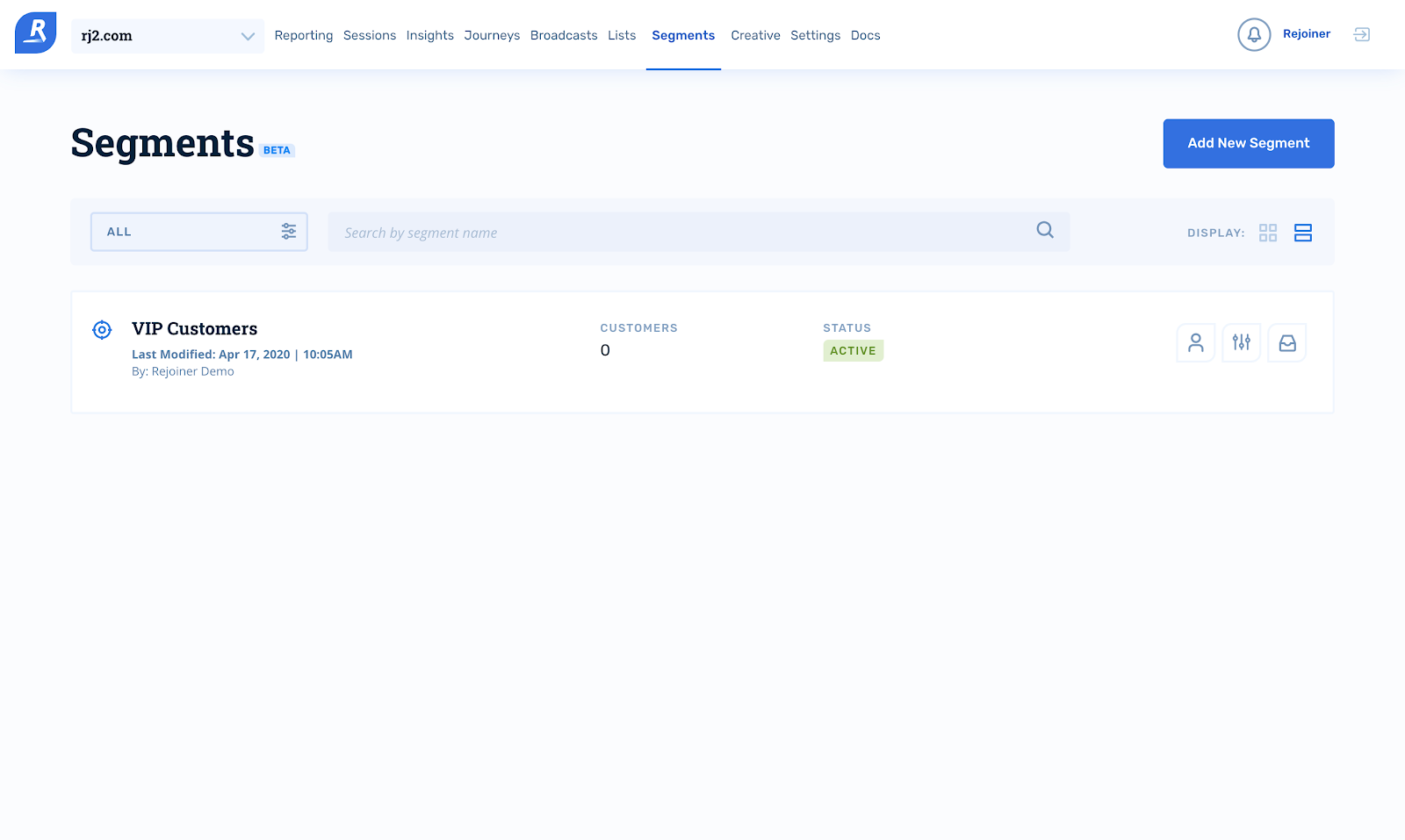
On this page, you are able to filter segments by status. By default, Rejoiner will show all segments. You can also search for a segment by name.
Each segment listed has the following structure:

Details
The name of the segment as well as the date and time of when it was last modified—and by which user.
Customers
The total number of customers in the segment.
Status
The current status of the segment. Segments have the following statuses:
| Status | Description |
|---|---|
Active |
Segments with an active status are those that are updating every day. |
Archived |
Segments with an archived status are those that are no longer updating. |
Inactive |
Segments with an inactive status are those that have been marked as problematic.This status is shown when there are issues with a segment’s query. If you notice one of your segments as inactive, please contact us. |
Sync
If the segment is connected to any other channel, i.e. Facebook to sync.
Segment actions
| Icon | Action |
|---|---|
 |
View Customers will take you to the customers view in a segment. |
 |
Go to Builder will take you to the segment filters. |
 |
Archive Segment will allow you to archive a segment. When a segment is archived, the platform will no longer update it. |
 |
Unarchive Segment will allow you to unarchive a segment, making the segment active once again. |